
No one answers after hours
Accidents happen at night and on weekends. The call goes to voicemail, and the client calls the next firm on the list.
IntakeOS · the first product from Briefcase
IntakeOS is the AI intake desk for law firms. It answers every email, call, text and web chat on your firm's behalf, gathers the facts, checks conflicts and deadlines, and puts a ready-to-decide lead in front of an attorney.
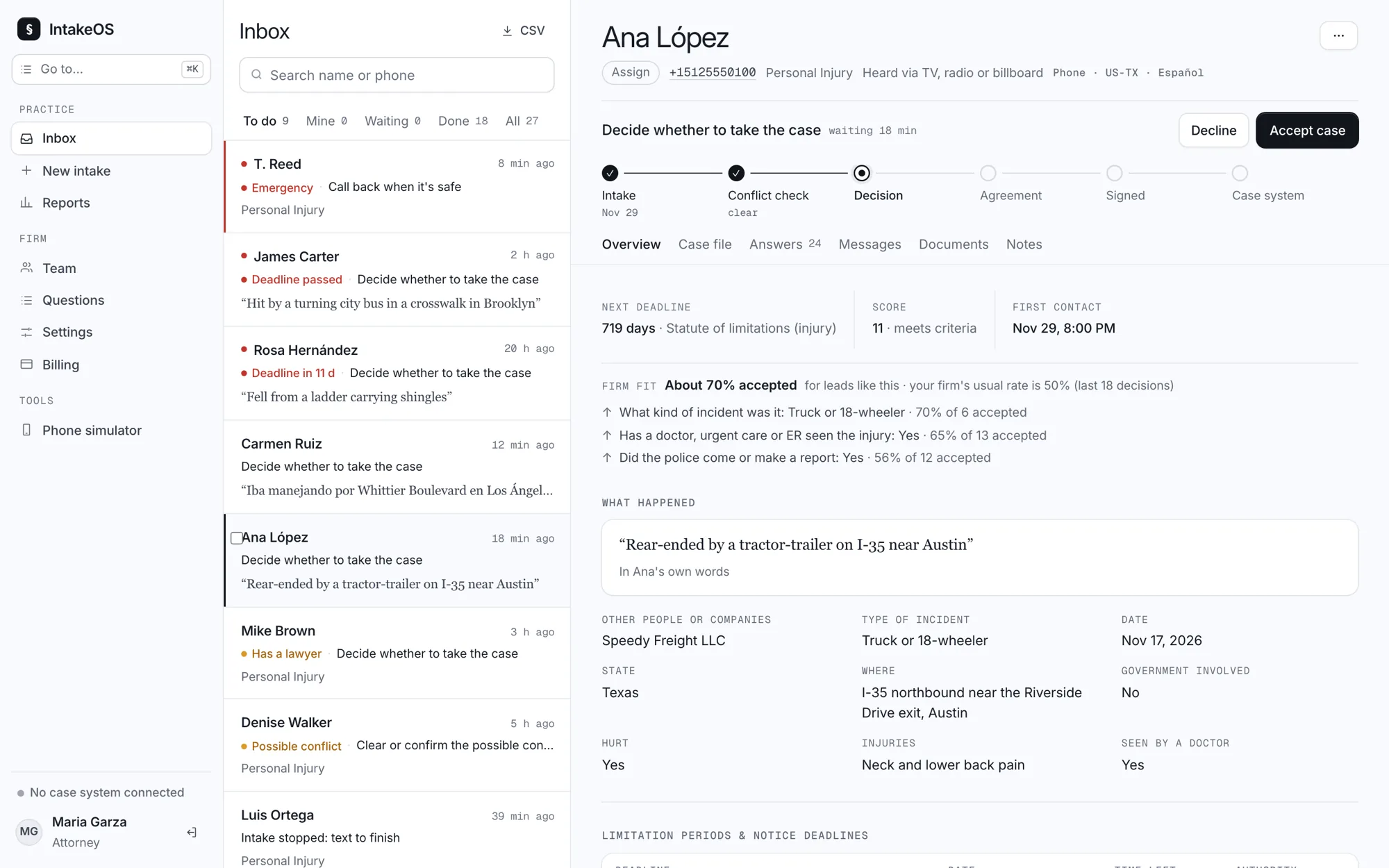
One inbox for every way a new client reaches you
The problem
Accidents happen at night and on weekends. The call goes to voicemail, and the client calls the next firm on the list.
A voicemail, an email, a photo by text. Someone has to gather it all and type it up before an attorney can look.
Hours go into calls that turn out to be conflicts, past a deadline, or outside the firm's practice.
How it works
Your team steps in only where a lawyer is needed: the decision.
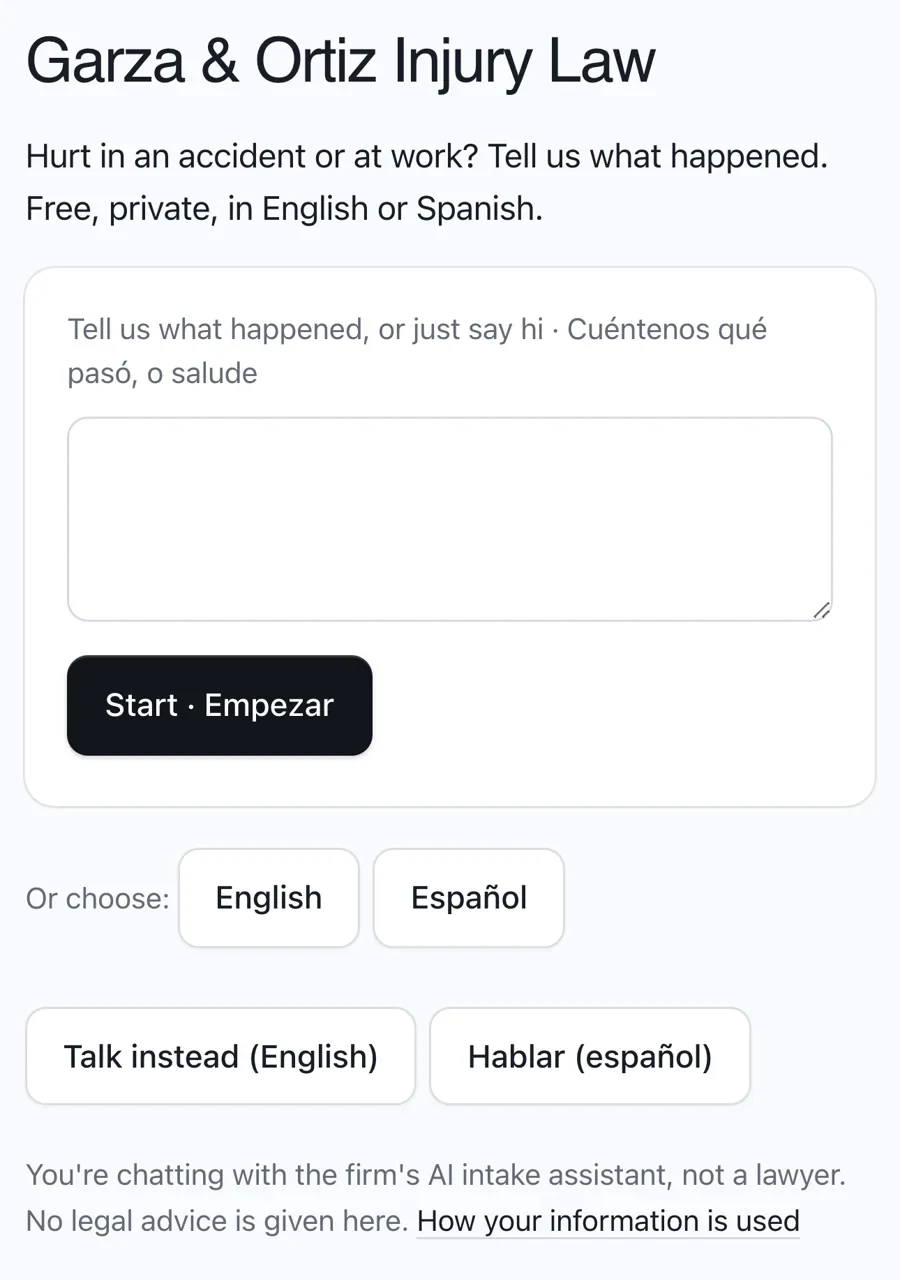
AI receptionist
IntakeOS answers your phone line on your firm's behalf. It takes the full intake by voice and recognizes when a person is needed.
Features
New-client emails are read, answered and turned into leads, with attachments kept on file.
When a call is missed, the caller gets a text from your firm within seconds and can finish the intake there.
Set the questions for each practice area, your office hours, and the approved answers to common questions.
Checks the other parties against your records and calculates limitation and notice deadlines, citing the rule.
Learns from the matters your firm accepted and declined, and shows how likely you are to take this one.
Your engagement agreement and records releases go out for signature as soon as an attorney accepts.
Clients choose a time from your attorneys' calendars and get reminders by text.
Accepted matters go into Clio with the contact, matter, intake notes and deadline tasks filled in.
Reply speed, where leads are lost, and cost per signed client for each marketing source.
Walkthroughs
Short films with sample data. No real client information is shown.
Safety and security
Client information is privileged. IntakeOS is designed around that from the first line.
Founding firm pilot
We set it up with you, around the way your firm already works.
A 30-minute screen share with sample cases from your practice area.
Your questions, office hours, approved answers, agreement and calendars.
IntakeOS answers your real new clients. You see every lead and every reply.
Continue only if it works for you. Nothing is charged without your written approval.
About Briefcase
Briefcase builds software that takes on the work around the practice of law, so lawyers can spend their time on the law itself. We started with the front door: the first conversation with a new client, where firms lose the most.
IntakeOS is our first product. Founded by a lawyer-engineer, it is built with practicing attorneys and tested against the situations that matter: emergencies, deadlines, conflicts, and callers who just want a person.
Questions
No. It gathers facts and answers routine questions with wording your firm approved. If a client asks whether they have a case, it explains that an attorney will review it and get back to them.
It tells them to call 911 right away and alerts your team, by email and by text to the on-call number.
Yes. With live transfer on, the caller is connected to your on-call attorney after a short briefing. If no one answers, your team gets a call-back alert.
Clio today, with the contact, matter, notes and deadline tasks filled in. Ask us about Filevine, MyCase and others.
Yes, on every channel. On the phone it switches language mid-call if the caller does.
Only the people your firm invites. There is no public sign-up. We don't share your data, and every outside service we use is listed in our data processing terms.
Usually a few days. We do the setup with you during the pilot.
Tell us your practice area and how new clients reach you today. We'll show you a demo built around it.
or email hello@getbriefcase.co